Update Correction: If your ABC ID Card contains errors such as an incorrect name, date of birth, or gender, you can easily fix them by updating your ABC ID online. In this guide, we’ll walk you through the steps to make these corrections.
Keep in mind that if your ABC ID shows incorrect information, it’s likely due to errors in your Aadhaar card details, since the ABC ID is generated based on the data linked to your Aadhaar Card.
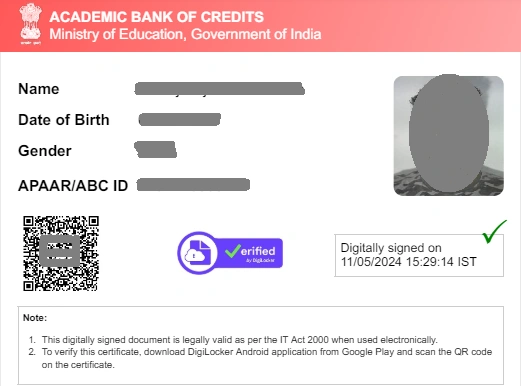
ABC ID Card Update/Correction
Step 1: First, update your Aadhaar card by visiting the nearest Aadhaar Enrollment Center or the official UIDAI website.
Step 2: Once your Aadhaar details are updated, log in to your DigiLocker account.
Step 3: Navigate to the “Issued Documents” section and refresh your Aadhaar card information.
Step 4: After refreshing, your ABC ID details will automatically update to reflect the corrected information.
Note:
- If your ABC ID details don’t update immediately after refreshing, wait for 2–3 days and try refreshing again, as the system may take some time to sync the updated information.
- If the information still doesn’t update after that period, delete your existing ABC ID in DigiLocker and recreate a new one with the correct details.
Share your experience of updating your ABC ID card in the comments below — your feedback could help other students complete their updates too.